
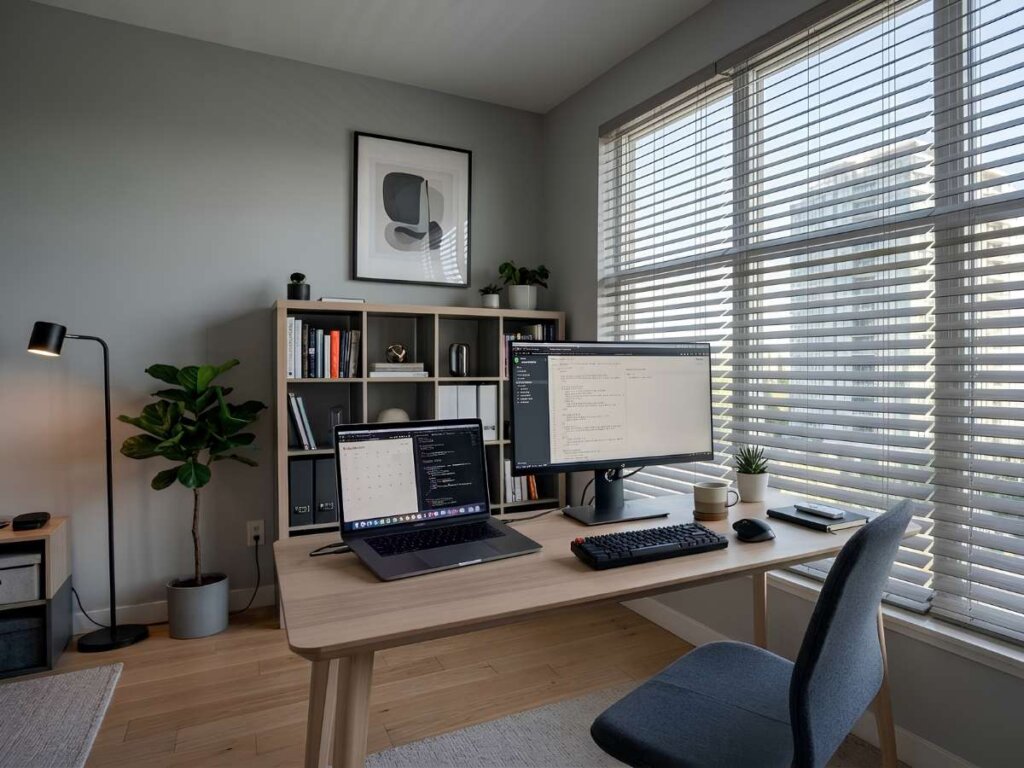
Home office blinds help create a better work-from-home setup by controlling glare, protecting privacy, reducing distractions, and making your workspace more comfortable throughout the day. The right blinds can also support video calls, protect furniture and screens from harsh sunlight, and give your office a more polished look. For homeowners working remotely on the Eastern Shore, custom window treatments can make a noticeable difference in daily focus and productivity.
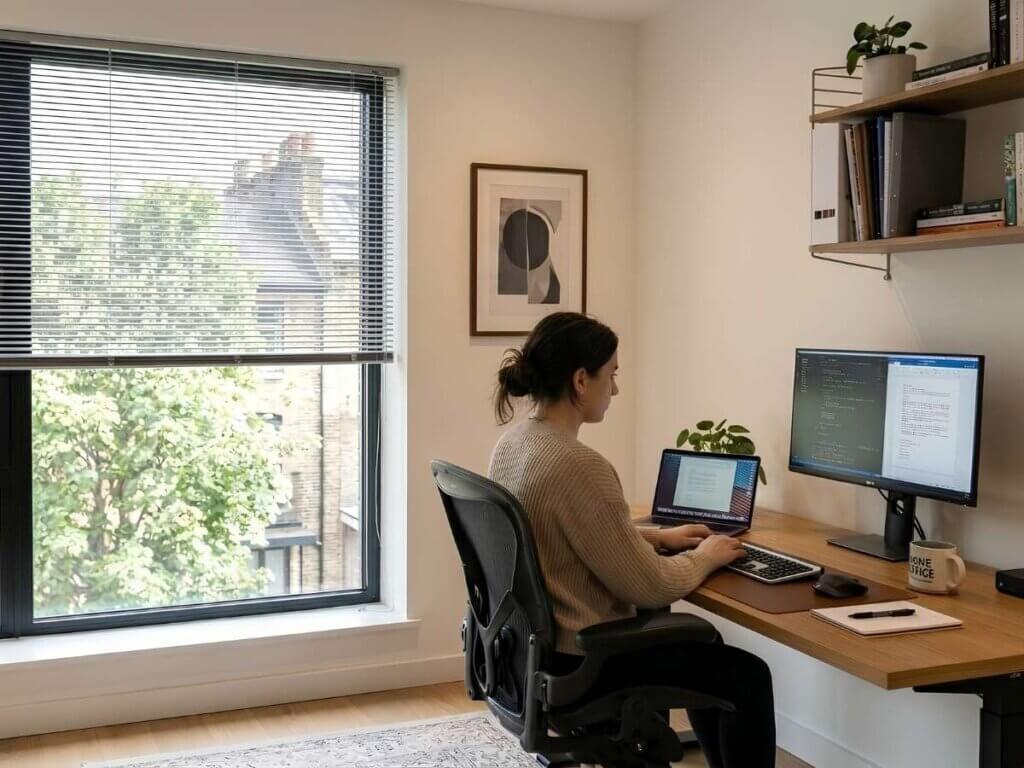
Why Window Control Matters in a Home Office
Working from home gives you flexibility, but it also comes with challenges. Bright sunlight on your screen, lack of privacy, shifting temperatures, and outside movement can all interrupt your focus. Your window treatments play a bigger role than many people realize.
Home office blinds give you direct control over the room. You can tilt the slats to reduce glare, block a distracting view, or let in enough natural light to keep the space comfortable. Instead of adjusting your desk, screen, or lighting throughout the day, the right blinds help the room work better around your schedule.

Key Benefits of Home Office Blinds
Better Glare Control
Glare is one of the biggest problems in a home office. Sunlight can reflect off computer screens, tablets, glossy desks, and framed artwork. This can cause eye strain and make it harder to stay focused.
Blinds allow you to adjust light more precisely than many soft window coverings. You can angle the slats upward or downward depending on the sun’s position, helping you keep the room bright without letting direct light interrupt your work.
Improved Privacy During the Workday
Privacy matters, especially if your office faces a street, driveway, sidewalk, or neighboring home. You may not want passersby seeing your workspace, equipment, or video call setup.
With this window treatment, you can maintain privacy while still allowing natural light into the room. This is especially helpful for first-floor offices, front-facing windows, and shared household spaces.
A More Professional Video Call Background
Remote work often means frequent video meetings. Uneven lighting, bright windows behind you, or cluttered outdoor views can make your background look distracting.
Blinds help create a cleaner, more controlled setting. They can soften the brightness behind you, reduce shadows on your face, and make your workspace look more intentional on camera.
Choosing the Right Blinds for Your Home Office
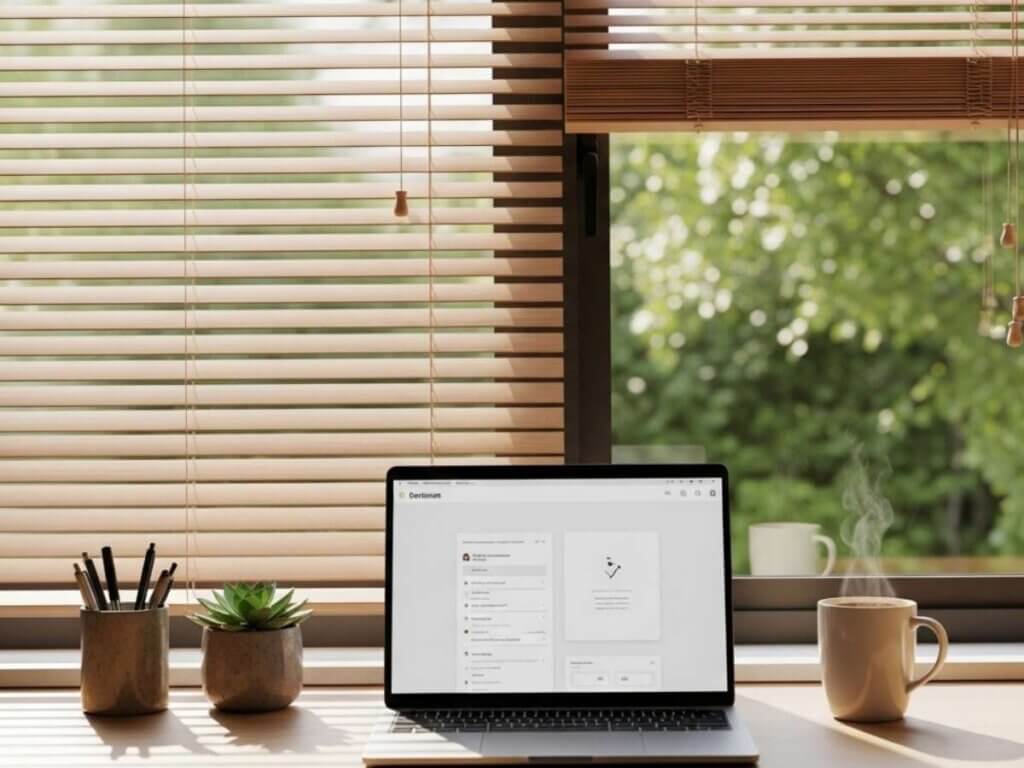
Not every blind works the same way. The best option depends on your window size, office layout, privacy needs, and design style.
Blind Type | Best For | Key Advantage |
Faux Wood Blinds | Busy offices and sunny rooms | Durable, easy to clean, and more suitable for humid or moisture-prone spaces |
Wood Blinds | Warm, classic office design | Natural texture and a refined look |
Aluminum Blinds | Simple, modern workspaces | Lightweight and precise light control |
Vertical Blinds | Wide windows or sliding doors | Practical coverage for larger openings |
Consider Your Screen Placement
Before choosing blinds, look at where your desk and monitor sit in relation to the window. A window directly behind or beside your screen usually needs stronger glare control. Adjustable slats can help you manage sunlight without making the room feel dark.
Think About Daily Operation
If you open and close your blinds often, ease of use matters. Cordless blinds offer a cleaner appearance and are a safer option for homes with children or pets. Motorized options can be helpful for tall windows, hard-to-reach areas, or homeowners who want to adjust light without leaving their desk.
Signs Your Home Office Needs Better Blinds
You may need upgraded window treatments if you notice:
- Screen glare during certain hours
- Too much visibility from the outside
- Uneven lighting during video calls
- Fading on floors, desks, or office furniture
- A room that feels too hot or too bright
- Temporary coverings that make the office feel unfinished
These issues may seem small, but they can affect your comfort and productivity every day.
Choosing the right blinds starts with understanding your options. Explore the most popular blind styles and discover which one is the best fit for every room in your home. Read here!
Frequently Asked Questions About Home Office Blinds
Q1. What are the best blinds for a home office?
The best blinds depend on your room layout, window size, and light control needs. Faux wood blinds are popular because they are durable, easy to clean, and work well in many office styles. Wood blinds offer a warmer look, while aluminum blinds are a good fit for simple, modern spaces.
Q2. Are motorized blinds useful in a home office?
Motorized blinds are useful if your windows are tall, hard to reach, or exposed to changing sunlight throughout the day. You can adjust them without leaving your desk, which is helpful during meetings or focused work sessions. They are also a good option if you want your blinds to open and close on a schedule.
Q3. What blind color works best for a home office?
Neutral colors such as white, gray, beige, taupe, and soft wood tones usually work well in a home office. These colors keep the space calm, professional, and easy to coordinate with desks, shelving, and wall colors. Darker blinds can add contrast, but they may make a small office feel heavier if the room does not get much natural light.
Q4. Can blinds improve my video call setup?
Yes, blinds can help improve lighting during video calls. They reduce harsh backlighting, soften bright windows, and make your background look more controlled. This can make your home office appear more professional on camera.
Q5. Should I choose custom blinds for my home office?
Custom blinds are worth considering if your windows are large, unusually shaped, or positioned in a way that affects your workday. A proper fit helps improve light control, privacy, and overall appearance. Custom options also give you more flexibility with materials, colors, controls, and mounting styles.
A Smarter Finish for Your Workspace
Home office blinds are more than a finishing touch. They help solve everyday work-from-home problems like glare, privacy concerns, harsh sunlight, and distracting views. With the right blinds, your office can feel more comfortable, focused, and ready for productive work.
Whether you’re working from home every day or just need a quiet place to focus, the right window treatments can help create a more comfortable workspace. MITS Eastern Shore helps homeowners compare custom window treatment options that fit their workspace, style, and daily routine. Schedule a consultation today to find the right window solution for your Eastern Shore home.